Beginner Robotics & Arduino Course for Kids & Teens – Hands-On STEM Learning (8–16 Years)
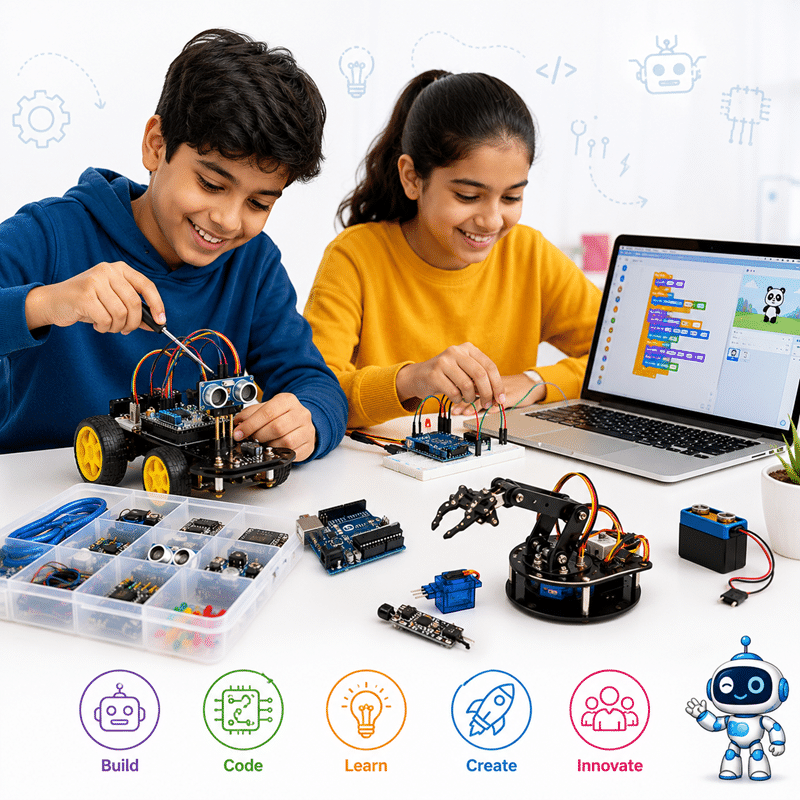
About Course
This Arduino Programming Course for Kids (Ages 8–16) is a beginner-friendly, hands-on STEM course designed to introduce students to electronics, coding, and logical thinking using Arduino Uno and mBlock.
The course starts from absolute basics and gradually moves to real hardware projects like LEDs, sensors, displays, and input devices. Each lesson is delivered through short, easy-to-understand video sessions, making it perfect for self-paced learning.
No prior coding or electronics experience is required.
Students will not just watch videos — they will build real working projects, understand how sensors work, and gain confidence in DIY electronics and robotics fundamentals.
This course is ideal for school students, hobby learners, and STEM beginners.
🛠️ Hardware Included (Arduino Beginner Kit)
This course includes a complete Arduino Beginner Kit, so students do not need to buy anything extra.
Kit Contents:
- Arduino Uno
- Breadboard & jumper wires
- LEDs & resistors
- Push button
- IR sensor
- Touch sensor
- Potentiometer
- LDR sensor
- 7-segment display
🧠 All projects in this course are demonstrated using the same kit.
⭐ Why This Course Is Special
- Designed specially for kids & beginners
- Uses visual block coding (mBlock) instead of complex text code
- Short, reusable video lessons
- Learn by doing, not memorizing
- Strong foundation for Robotics, IoT, and Advanced Arduino
Course Content
Introduction
-
Arduino Introduction
20:00
MBlock & Arduino Driver
LED Blink with Arduino
Multiple LEDs with Arduino
LED Fade Using PWM
RGB LED with Arduino
7 Segment Display
Push Button Controlled LED
Push Button Controlled Buzzer
IR Sensor with Arduino
Touch Sensor with Arduino
Potentiometer with LED
LDR Sensor with Arduino
Student Ratings & Reviews