


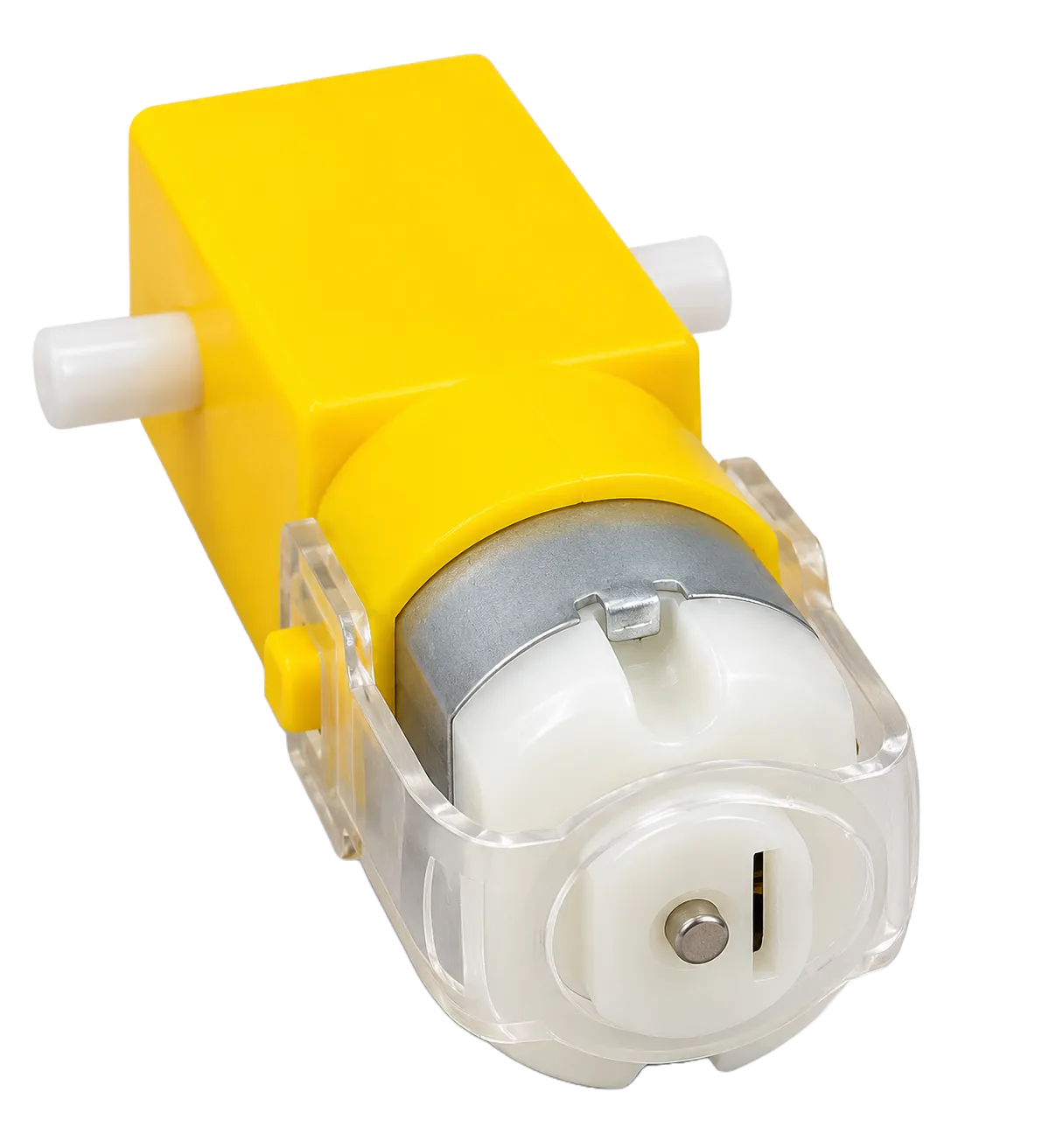
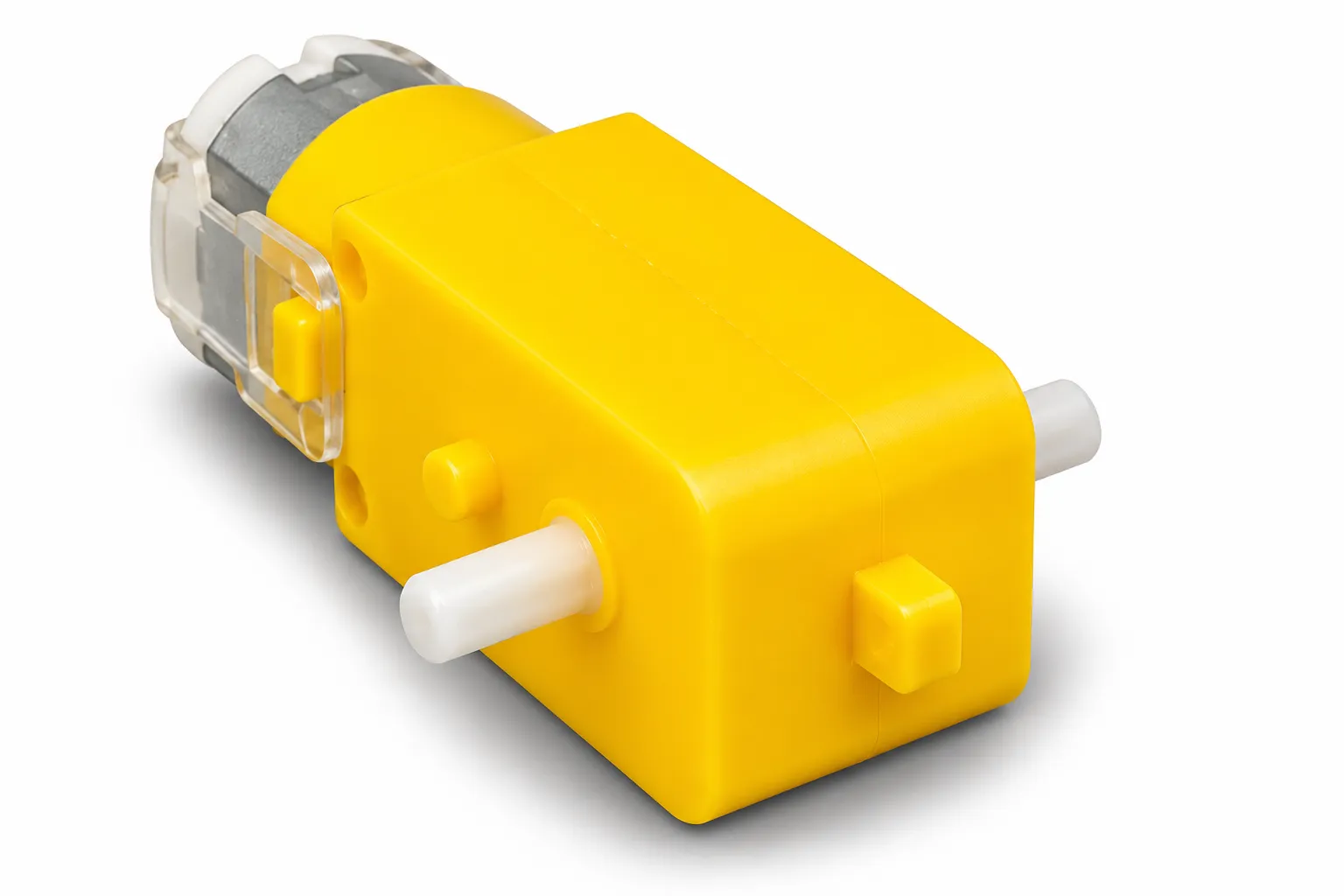
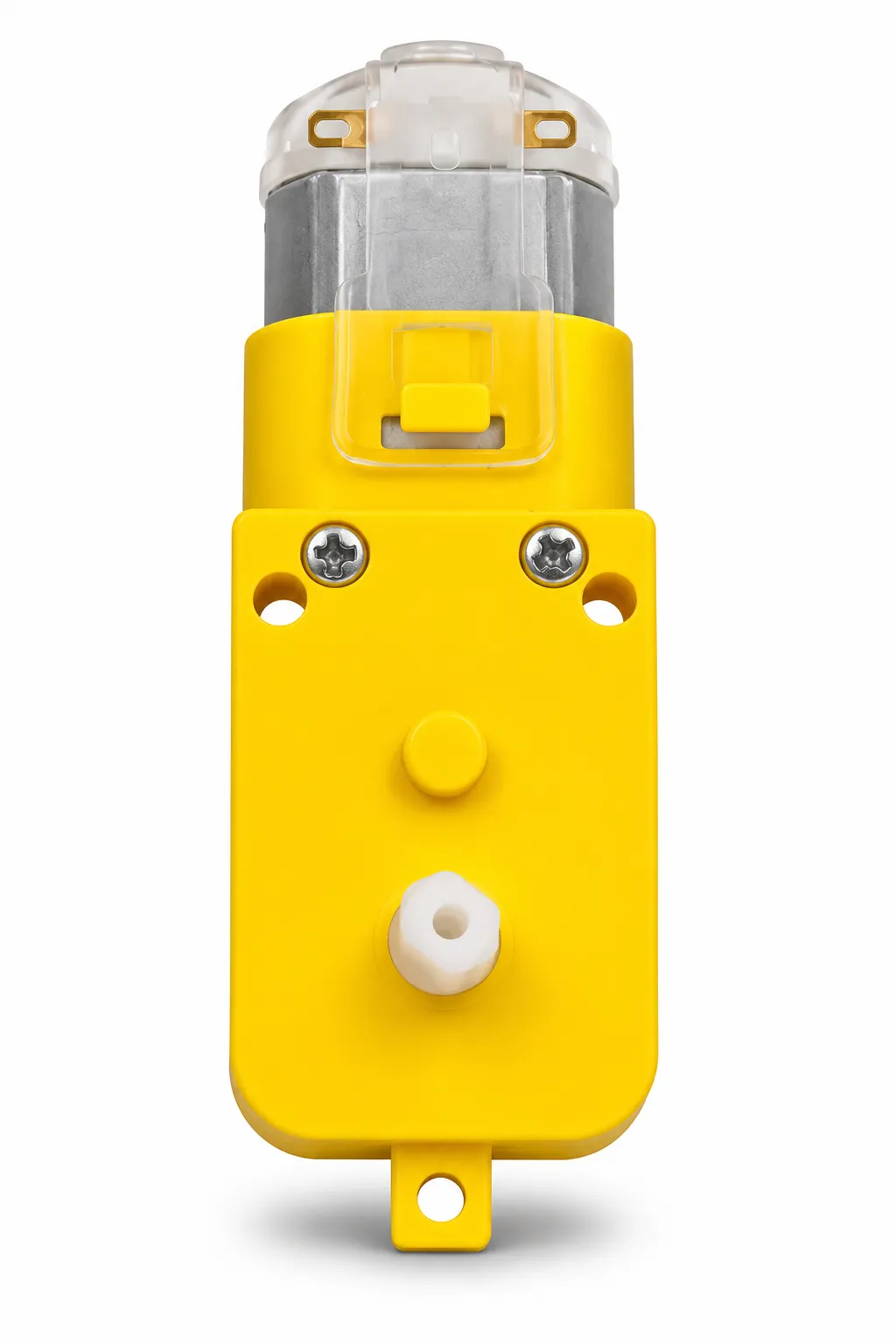
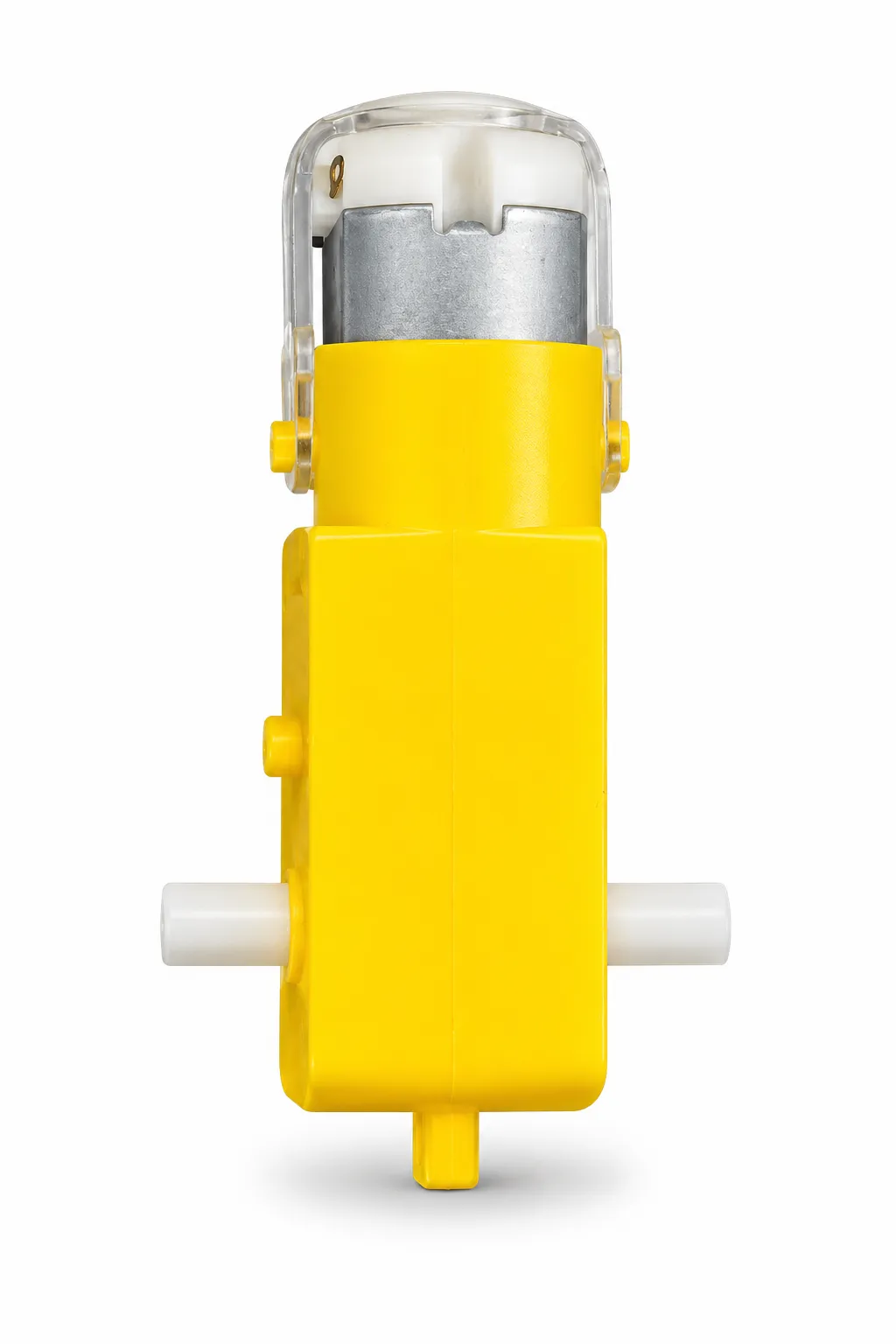
BO Motor Dual Shaft for Robot Car
Build your own robotic vehicle with this BO Motor Dual Shaft DC Geared Motor. Featuring a compact yellow gearbox and dual-sided output shafts, it is suitable for DIY robot cars, obstacle-avoiding robots, line-following robots and educational robotics projects.
Features:
- Dual-sided output shaft design
- Compact BO-style geared motor
- Suitable for DIY robot cars and robotics projects
- Compatible with suitable motor driver modules
- Can be used in Arduino and ESP32-based robotics projects
Order online from Yagobotix with shipping across India and same-day delivery or pickup available in Surat.
₹60.00 ₹99.00 (incl. GST)
BO Motor Dual Shaft for Robot Car
1. What Is a BO Motor Dual Shaft?
The BO Motor Dual Shaft is a compact DC geared motor designed for small robotic vehicles and DIY electronics projects.
It features a yellow gearbox with output shafts extending from both sides, allowing the motor to transfer rotational motion to compatible wheels or mechanical components.
It is commonly used in educational robotics, Arduino robot cars and DIY automation projects.
2. What Can You Build With It?
Use this BO geared motor in projects such as:
- Arduino robot cars
- Obstacle-avoiding robots
- Line-following robots
- Bluetooth-controlled robot cars
- Wi-Fi-controlled robotic vehicles
- Remote-controlled robotics projects
- STEM and educational robotics models
3. Who Is It For?
This motor is suitable for:
- School students learning robotics
- Engineering students
- Arduino and ESP32 enthusiasts
- Robotics hobbyists
- STEM educators
- DIY electronics makers
4. How Does It Work?
The motor uses an internal DC motor and gearbox to produce rotational movement at its output shafts.
When electrical power is supplied, the DC motor rotates and the gearbox transfers this movement to the output shafts.
A motor driver module can be used with a microcontroller to control the motor’s direction and speed.
Basic working flow:
Power supply → DC motor → Gearbox → Output shafts → Wheel rotation
5. Technical Specifications
| Specification | Details |
|---|---|
| Product Type | DC Geared Motor |
| Motor Design | BO-style geared motor |
| Shaft Arrangement | Dual output shaft |
| Gearbox Housing | Yellow plastic |
| Motor Type | Brushed DC motor |
| Shaft Material | Plastic |
| Application | DIY robot cars and robotics |
| Mounting | Compatible robot chassis with suitable mounting arrangement |
Note: Operating voltage, RPM, gear ratio, torque, current consumption and dimensions should be added after verifying the actual motor specifications.
6. Dual Shaft Design
This motor has output shafts on both sides of the gearbox.
The dual-sided arrangement allows wheels or other compatible mechanical components to be fitted on either side.
Check the shaft dimensions and mounting design before selecting compatible wheels.
7. How to Connect the Motor
A DC geared motor should be controlled through a suitable motor driver rather than directly through an Arduino or ESP32 GPIO pin.
Basic connection:
- Connect the motor’s two electrical terminals to the motor driver’s output terminals.
- Connect the motor driver to a suitable power supply.
- Connect the motor driver’s control inputs to your microcontroller.
- Upload your motor-control program.
- Test the motor’s rotation direction.
Always check the motor’s operating voltage and current requirements before connecting the power supply.
8. Example Project: Arduino Robot Car
Build a simple robotic vehicle using this motor.
Required components:
- BO Motor Dual Shaft
- Compatible robot wheels
- Robot car chassis
- Arduino Uno
- L298N or suitable motor driver
- Battery pack
- Jumper wires
Use the Arduino to control the motor driver and move your robot forward, backward and in different directions.
9. Related Products
Complete your robotics project with:
- 65mm BO Motor Wheel
- Arduino Uno R3 board
- L298N motor driver module
- Robot car chassis
- Ultrasonic distance sensor
- IR obstacle avoidance sensor
- Battery holder
- Jumper wires
- Breadboard
10. Related Tutorials
Explore these robotics tutorials:
- How to control a DC geared motor with Arduino
- How to build an Arduino robot car
- How to use an L298N motor driver
- How to build an obstacle-avoiding robot
- How to make a Bluetooth-controlled robot car
- Beginner robotics projects for students
11. Frequently Asked Questions
Q1. What is a BO Motor Dual Shaft?
It is a compact DC geared motor with output shafts extending from both sides of its gearbox, commonly used in small robotic vehicles.
Q2. What is the use of a dual shaft motor?
It allows compatible wheels or mechanical components to be mounted on both sides of the gearbox.
Q3. Can I use this motor with Arduino?
Yes. Use a suitable motor driver between the motor and Arduino to control its direction and operation.
Q4. Can I use this motor with ESP32?
Yes. It can be used in ESP32-based robotics projects with a suitable motor driver and compatible power supply.
Q5. Can I use this motor for an obstacle-avoiding robot?
Yes. It can drive the wheels of an obstacle-avoiding robot when paired with suitable sensors, a controller and motor driver.
Q6. Can I connect this motor directly to Arduino?
No. Use a suitable motor driver because a microcontroller GPIO pin cannot supply the motor’s required drive current.
Q7. Does this motor include wheels?
No. Wheels are sold separately unless specifically mentioned in the package contents.
Q8. What is the motor’s operating voltage?
Check the confirmed voltage rating in the product specifications or on the supplied motor. Do not select a power supply based on appearance alone.
12. What Is Included?
- 1 × BO Motor Dual Shaft
Wheels, robot chassis, motor driver, controller, batteries and connecting accessories are not included unless specifically stated.
13. Compatibility
This motor can be used in robotics projects controlled by:
- Arduino Uno
- Arduino Nano
- Arduino Mega
- ESP32 development boards
- ESP8266 development boards
- Other compatible microcontrollers
A suitable motor driver and power supply are required.
14. Ordering and Delivery
Order your BO Motor Dual Shaft from Yagobotix.
- Online ordering across India
- Same-day delivery in eligible Surat locations
- Same-day pickup available in Surat
- Suitable for educational, hobby and engineering projects
Same-day services are subject to stock availability, order confirmation, location and applicable cut-off times.
15. Build Your Next Robotics Project!
Power your next DIY robot car or educational robotics project with the BO Motor Dual Shaft.
Order from Yagobotix and explore more motors, wheels, sensors and robotics components for your next creation.
Motor type : Brushed DC geared motor
Shaft arrangement : Dual output shaft
Body colour : Yellow
Package quantity : 1 Motor
Based on 0 reviews
Only logged in customers who have purchased this product may leave a review.
Related products
-
Servo Motors, Motors & Actuators
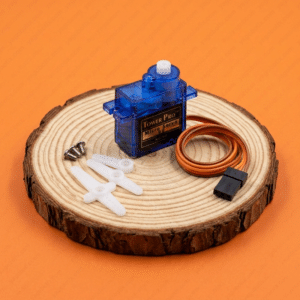
Tower Pro SG90 Servo Motor – 9g Mini/Micro Servo Motor
- Compact 9g micro servo motor
- Lightweight and suitable for small robotic projects
- Precise angular positioning
- Easy to control using Arduino and other microcontrollers
- Compatible with Arduino, ESP32, Raspberry Pi and other controllers
SKU: n/a -
Motors & Actuators, Water Pumps
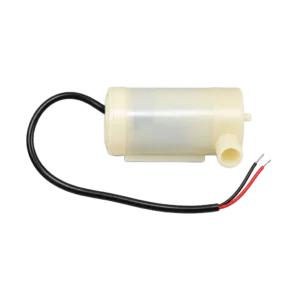
Mini Submersible Water Pump – 3–6V DC
The Mini Submersible Water Pump is a compact 3–6V DC water pump designed for small water circulation systems, automatic plant watering, mini fountains and DIY electronics projects. Its lightweight plastic housing and horizontal design make it suitable for educational models and water automation prototypes.
Key Features:
- Operating voltage: 3–6V DC
- Compact horizontal submersible design
- Lightweight plastic housing
- Simple two-wire power connection
- Suitable for Arduino and ESP32 projects using a compatible driver circuit
- Ideal for smart irrigation, mini fountains and automatic watering systems
Note: Keep the pump submerged in water during operation. Do not run it dry.
Buy the Mini Submersible Water Pump online from Yagobotix with shipping across India and same-day delivery or pickup available in Surat.
SKU: YGB-PMP-SUB-36V
There are no reviews yet.