


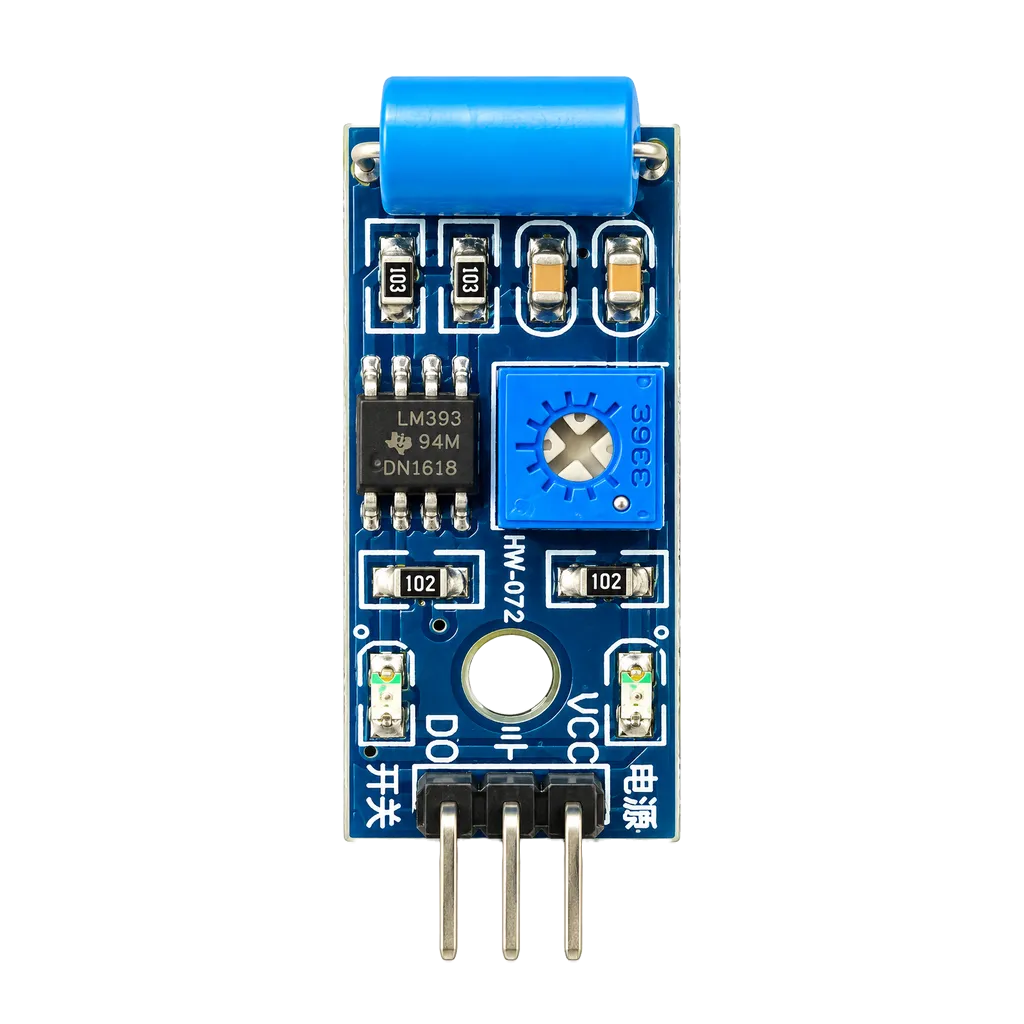
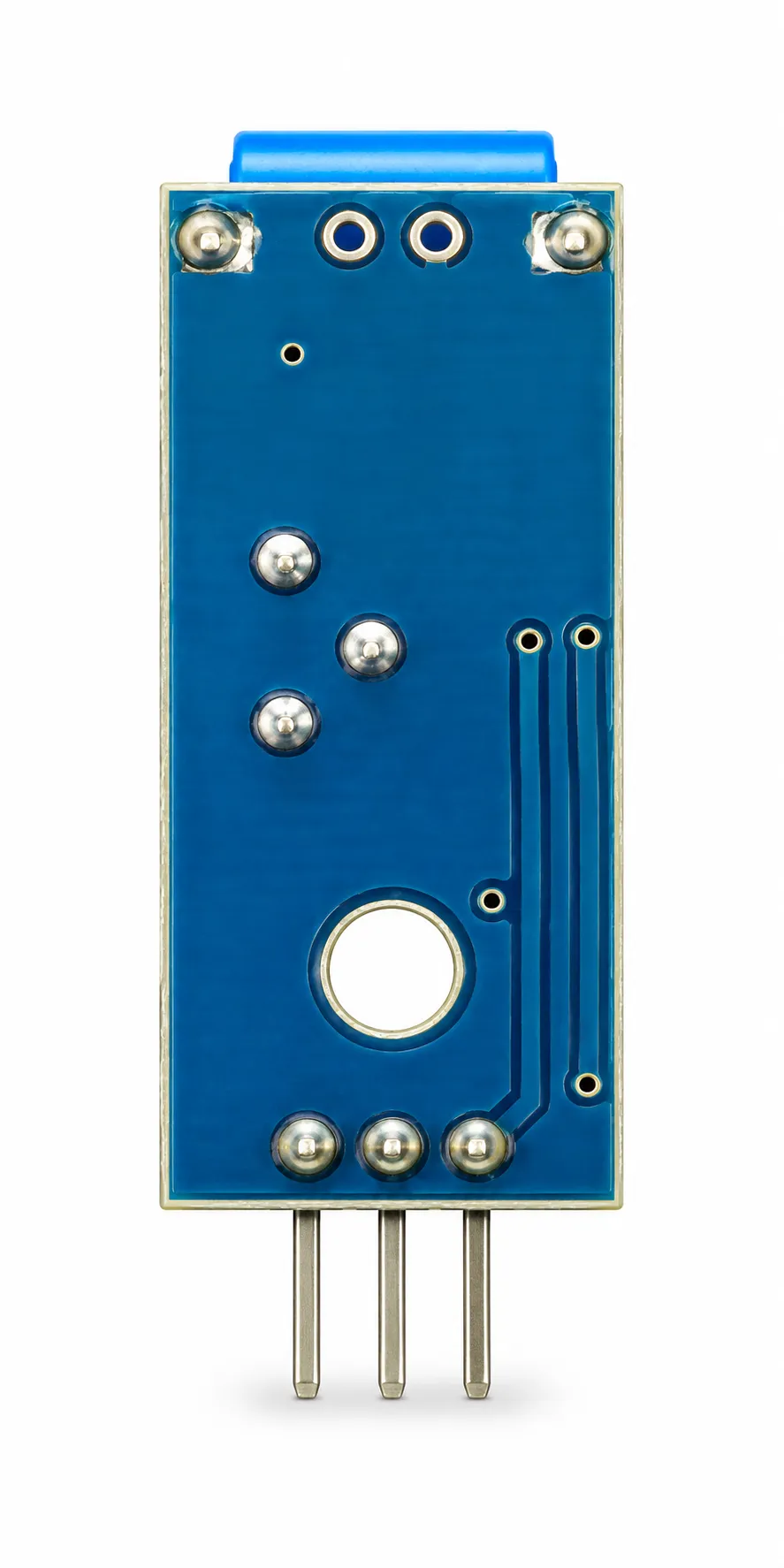
SW-420 Vibration Sensor Module
- Detect vibrations and physical disturbances in your electronics projects with the SW-420 Vibration Sensor Module. Featuring an LM393 comparator and adjustable sensitivity potentiometer, this module provides a digital output for vibration detection, shock alarms, security systems and DIY robotics projects.Features:
- SW-420 vibration detection sensor
- LM393 comparator
- Adjustable sensitivity
- 3-pin digital output: DO, GND and VCC
- Compatible with Arduino, ESP32 and other suitable microcontroller boards
- Ideal for vibration alarms and robotics projects
Order online from Yagobotix with shipping across India and same-day delivery or pickup available in Surat.
₹49.00 ₹69.00 (incl. GST)
SW-420 Vibration Sensor Module
1. What Is an SW-420 Vibration Sensor?
The SW-420 Vibration Sensor Module is an electronic sensor designed to detect vibrations, shaking and physical disturbances.
It uses an SW-420 vibration switch along with an LM393 comparator circuit to detect changes caused by vibration and provide a digital output signal.
The onboard potentiometer allows you to adjust the sensor’s sensitivity according to your project requirements.
2. What Can You Build With It?
Use this vibration sensor in projects such as:
- Vibration detection alarm systems
- Anti-theft and security alarms
- Shock detection systems
- Arduino vibration monitoring projects
- Smart safety systems
- Robotics projects
- DIY electronic alarm circuits
- Equipment vibration detection experiments
3. Who Is It For?
This module is suitable for:
- School students learning electronics
- Engineering students
- Arduino and ESP32 enthusiasts
- Robotics hobbyists
- STEM educators
- DIY electronics makers
4. How Does It Work?
The SW-420 sensor detects mechanical vibrations and shaking.
When vibration occurs, the internal vibration switch changes its electrical state. The LM393 comparator processes this change and provides a digital output.
The onboard potentiometer adjusts the detection threshold, allowing you to control the sensitivity.
Basic working flow:
Vibration → SW-420 sensor → LM393 comparator → Digital output → Microcontroller
5. Technical Specifications
| Specification | Details |
|---|---|
| Sensor Type | SW-420 Vibration Sensor |
| Comparator IC | LM393 |
| PCB Marking | HW-072 |
| Output Type | Digital |
| Sensitivity | Adjustable |
| Adjustment | Onboard potentiometer |
| Interface | 3-pin |
| Pins | DO, GND, VCC |
| Operating Voltage | Commonly 3.3–5V; verify supplied board |
| Application | Vibration and shock detection |
6. Pinout Diagram
The module has three connection pins:
| Pin | Function |
|---|---|
| DO | Digital Output |
| GND | Ground |
| VCC | Power Supply |
Looking at the component side with the three pins facing downward, the order is:
Left: DO
Centre: GND
Right: VCC
Always check the printed labels on the actual module before connecting it.
7. How to Connect SW-420 to Arduino
Required components:
- SW-420 Vibration Sensor Module
- Arduino Uno
- Jumper wires
Wiring:
| SW-420 Pin | Arduino Uno |
|---|---|
| VCC | 5V |
| GND | GND |
| DO | Digital Pin 2 |
Example Arduino Code
const int vibrationPin = 2;

void setup() {
  pinMode(vibrationPin, INPUT);
  Serial.begin(9600);
}

void loop() {
  int sensorState = digitalRead(vibrationPin);

  if (sensorState == LOW) {
    Serial.println("Vibration Detected!");
  } else {
    Serial.println("No Vibration");
  }

  delay(200);
}
Note: This example assumes the module produces a LOW signal when vibration is detected. Verify the actual output behavior on your board before using the code.
8. Beginner Project: Vibration Detection Alarm
Build a simple vibration alarm using the SW-420 module.
Required components:
- SW-420 Vibration Sensor Module
- Arduino Uno
- Active buzzer
- Jumper wires
- Breadboard
Connect the sensor output to Arduino digital pin 2 and the buzzer through a suitable driver circuit if required.
When vibration is detected, the Arduino can activate the buzzer to produce an alarm.
This project is useful for learning digital sensor interfacing and basic security system concepts.
9. Related Products
Complete your electronics project with:
- Arduino Uno R3 board
- ESP32 development board
- Active buzzer module
- LED and resistor kit
- Breadboard
- Jumper wire kit
- PIR motion sensor
- Sound sensor module
- Flame sensor module
- Relay module
10. Related Tutorials
Explore these project ideas and tutorials:
- How to use an SW-420 vibration sensor with Arduino
- How to build a vibration alarm using Arduino
- How to connect digital sensors to ESP32
- How to build a simple anti-theft alarm
- How to use an LM393 comparator module
- Beginner Arduino sensor projects
11. Frequently Asked Questions
Q1. What is an SW-420 vibration sensor?
It is an electronic sensor module used to detect vibrations, shaking and physical disturbances.
Q2. What is the use of the LM393 IC?
The LM393 comparator processes the sensor signal and provides a digital output based on the detection threshold.
Q3. Can I adjust the sensor sensitivity?
Yes. The onboard potentiometer allows you to adjust the vibration detection sensitivity.
Q4. Can I use this sensor with Arduino?
Yes. It can be connected to an Arduino digital input pin.
Q5. Is this sensor compatible with ESP32?
Yes, subject to compatible supply and output voltage levels. Check the module’s DO voltage before connecting it to an ESP32 GPIO.
Q6. Does this module have analog output?
This board provides a digital output through its DO pin. Do not assume it provides an analog vibration measurement.
Q7. Can it be used for an anti-theft alarm?
Yes. It can detect physical disturbances and trigger an alarm through a suitable microcontroller circuit.
Q8. How do I adjust sensitivity?
Turn the onboard potentiometer gradually and test the module’s response to different levels of vibration.
12. What Is Included?
- 1 × SW-420 Vibration Sensor Module
Arduino board, buzzer, jumper wires and other accessories are not included unless specifically mentioned.
13. Compatibility
This module can be used in projects involving:
- Arduino Uno
- Arduino Nano
- Arduino Mega
- ESP32
- ESP8266
- Other compatible microcontroller boards
Check operating voltage and digital output levels before connecting it to your controller.
14. Ordering and Delivery
Order your SW-420 Vibration Sensor Module from Yagobotix.
- Online ordering across India
- Same-day delivery in eligible Surat locations
- Same-day pickup available in Surat
- Suitable for student, hobby and engineering projects
Same-day services are subject to stock availability, order confirmation, location and applicable cut-off times.
15. Build Your Next Electronics Project!
Add vibration detection to your next DIY electronics, robotics or security project with the SW-420 Vibration Sensor Module.
Order today from Yagobotix and explore more sensors and electronic components for your next creation.
| Weight | 3 g |
|---|---|
| Dimensions | 6 × 4 × 3 cm |
Based on 0 reviews
Only logged in customers who have purchased this product may leave a review.
Related products
-
Sensors, Distance & Motion
IR Obstacle Avoidance Sensor Module – 3 Pin (Blue PCB)
The IR Obstacle Avoidance Sensor Module – 3 Pin (Blue PCB) is a compact infrared proximity detection sensor designed to detect nearby objects without physical contact. It features an infrared transmitter and receiver, LM393 comparator and adjustable potentiometer for setting the obstacle detection threshold.
Key Features:
- Infrared obstacle and proximity detection
- Blue PCB with 3-pin interface
- IR transmitter and receiver pair
- LM393 comparator IC
- Adjustable detection threshold via potentiometer
- Digital output (OUT)
- Typical operating voltage: 3.3–5V DC
- Typical adjustable detection range: approximately 2–30cm under suitable conditions
- Onboard power and detection indicator LEDs
- Suitable for Arduino, ESP32 and other compatible microcontrollers
- Ideal for obstacle-avoiding robots, object counters and automation projects
Note: Actual detection distance depends on object colour, surface reflectivity, angle, lighting and potentiometer adjustment. The module detects object presence rather than measuring precise distance.
Buy the IR Obstacle Avoidance Sensor Module online from Yagobotix with shipping across India and same-day delivery or pickup available in Surat.
SKU: YGB-SEN-IR-OBS-03 -
Sensors
LM393 Hall Effect Sensor Module – 4 Pin
The Hall Effect Sensor Module is a compact magnetic detection sensor featuring an LM393 comparator that detects the presence of a nearby magnetic field without physical contact. It is ideal for rotation counting, motor speed measurement, magnetic position detection and robotics projects.
Key Features:
- Semiconductor-based Hall effect sensing
- LM393 voltage comparator
- Contactless magnetic detection
- Digital detection output
- Compact blue PCB with 4-pin interface
- Onboard power and detection LED indicators
- Suitable for Arduino, ESP32 and other compatible microcontroller circuits
Buy the Hall Effect Sensor Module online from Yagobotix with shipping across India and same-day delivery or pickup available in Surat.
SKU: YGB-SEN-HALL-04 -
Sensors, Gas & Environment
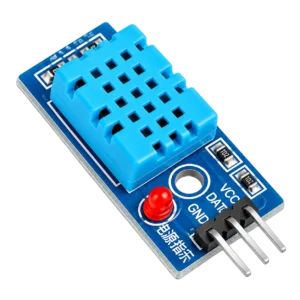
DHT11 Temperature and Humidity Sensor Module – 3 Pin (Blue PCB)
The DHT11 Temperature and Humidity Sensor Module – 3 Pin (Blue PCB) is a digital sensor designed to measure ambient temperature and relative humidity for Arduino, ESP32, ESP8266 and DIY electronics projects.
Featuring a blue DHT11 sensing element, onboard power indicator LED and pre-soldered 3-pin interface, this module is suitable for weather monitoring prototypes, room climate measurement, environmental monitoring and educational electronics.
Key Features:
- DHT11 digital temperature and humidity sensor
- Measures temperature from 0°C to 50°C
- Measures relative humidity from 20% to 90% RH under specified conditions
- Typical temperature accuracy: ±2°C
- Typical humidity accuracy: ±5% RH
- Operating voltage: approximately 3.3–5.5V DC
- Three pins: VCC, DATA and GND
- Single-wire digital communication
- Onboard red power indicator LED
- Pre-soldered 3-pin connection header
- Suitable for Arduino Uno, Nano, ESP32 and ESP8266
- Ideal for indoor environment monitoring and STEM projects
Package Includes: 1 × DHT11 Temperature and Humidity Sensor Module – Blue PCB.
Note: The DHT11 is intended for basic environmental monitoring rather than precision or safety-critical measurements. Allow at least 2 seconds between readings.
Buy the DHT11 Temperature and Humidity Sensor online from Yagobotix with shipping across India and same-day delivery or pickup available in Surat.
SKU: YGB-SEN-DHT11-3P-BLU -
Sensors, Gas & Environment
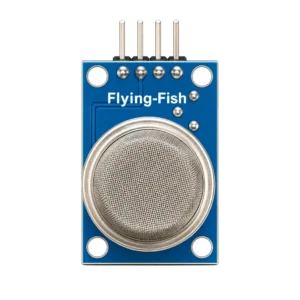
MQ2 Gas Sensor Module – Smoke & Flammable Gas Detection
The MQ2 Gas Sensor Module is a semiconductor-based gas detection sensor designed to detect smoke and combustible gases such as LPG, propane, methane and hydrogen. Featuring analog and digital outputs and an adjustable detection threshold, it is ideal for gas monitoring experiments, smoke alarm prototypes, IoT applications and DIY electronics projects.
Key Features:
- MQ-2 semiconductor gas sensing element
- Detects smoke and various combustible gases
- 5V operating supply
- Analog (AO) and digital (DO) outputs
- Adjustable digital detection threshold
- Blue PCB with 4-pin interface
- Suitable for Arduino, ESP32 and other compatible microcontroller circuits
Buy the MQ2 Gas Sensor Module online from Yagobotix with shipping across India and same-day delivery or pickup available in Surat.
Note: Intended for educational, experimental and prototype applications. Not a replacement for certified gas leakage or smoke alarms.
SKU: YGB-SEN-MQ2
There are no reviews yet.